Week 3
Assignments
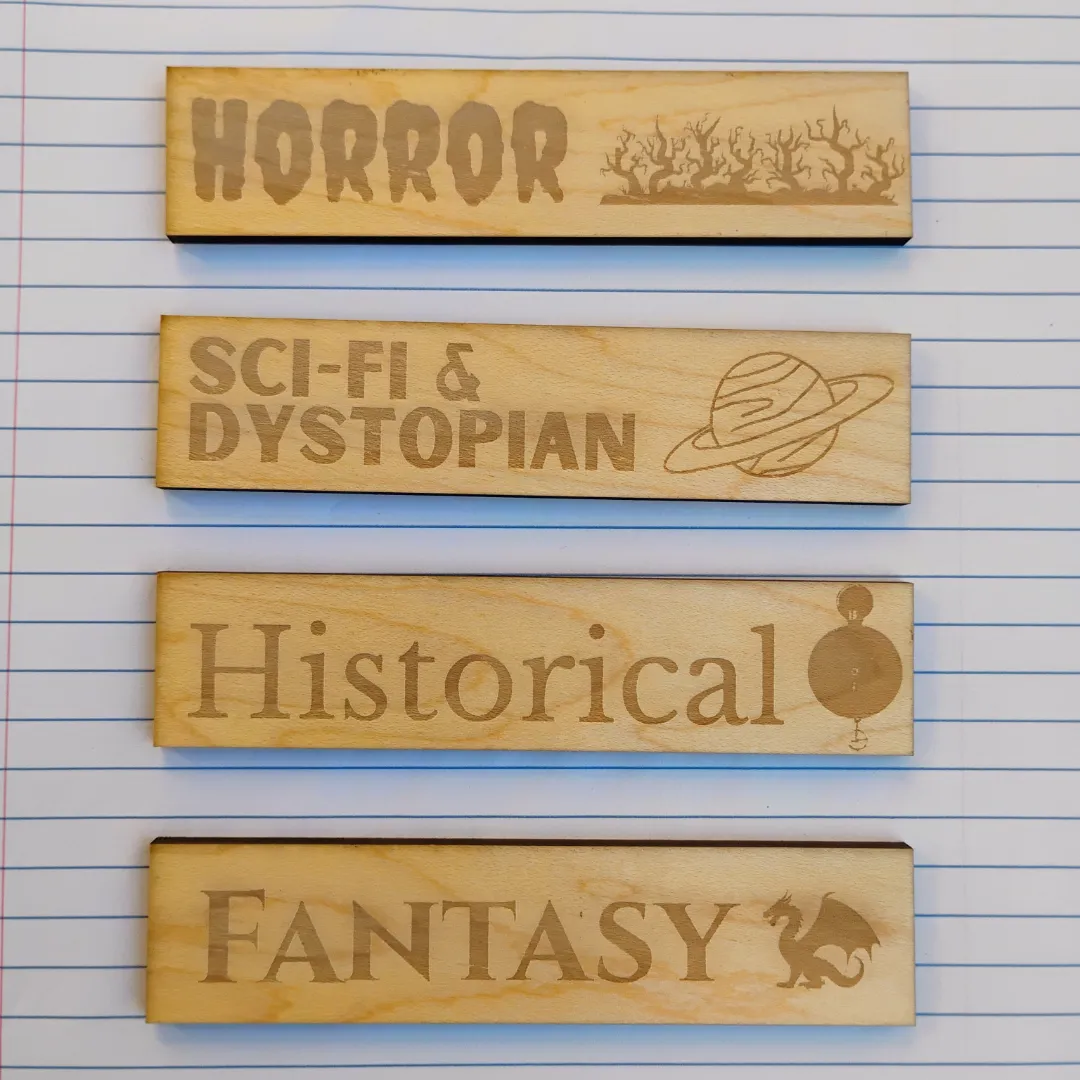
This week’s assignment was to design and cut and object on a laser cutter that can be used in my classroom.
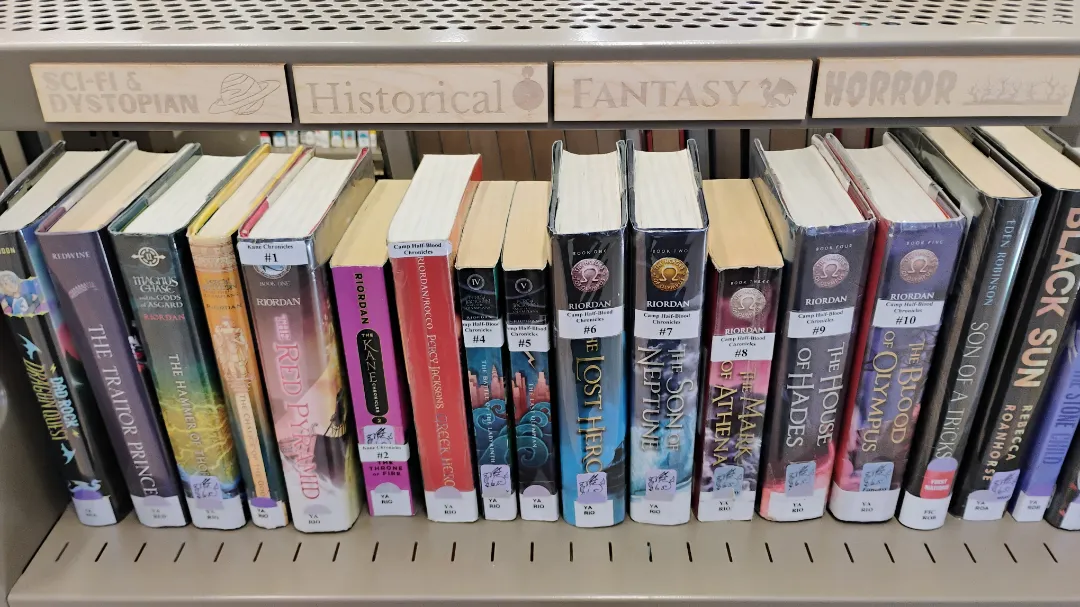
Since my classroom is a library, I decided to cut out some signage for the various genre sections of our print collection. I knew I would need to make them relatively small, because the edges of our shelving are only one inch in height.
Process
I began by visiting one of my learning node supervisors, Craig, who taught me how to use the laser cutter. I was glad that I did this step first, because it gave me a sense of how I would need to format my files before I even started.
I had already made some genre section images in Canva previously, which I had planned to print and laminate. I decided to adapt these to this project and laser engrave them in wood instead.
Adapting these separate files into a single cutting file was where I ran into the most difficulty. I needed to draw rectangles around each image to outline where it should be cut. But Canva makes this extremely hard. You essentially have to create a dark layer that is slightly larger and place it underneath the layer of your background colour. (If anyone knows a better way, please let me know.) I was concerned that the machine would have trouble recognizing this as a cutting line. Craig suggested that I use Adobe Illustrator instead. However, I am entirely new to this software and really struggled to position the rectangles around each genre label. The process took me much longer than it should have.
However, finally I was able to create and position the rectangles before saving my work as an .svg file. Then it was time to cut.
The cutting was actually the easiest part of the process. It was relatively easy to prepare my file, and came out very well. It looks excellent on my library shelves too.
Reflection
My first takeway is that I will need to set aside time outside of this course to learn how to use Illustrator properly. I have no graphic design training and so I find it very intimidating. But I will need to get over that and become a proficient user.
The cutting itself was fairly easy; I’ll just need to go through it a few more times to get comfortable with it. I didn’t engrave it as deeply as I would have liked, but I’ll know that for next time.
Tools
- Canva
- Adobe Illustrator
- Laser cutter
Week 3 Questions
Soon I will be teaching a unit on Creative Writing to Grade 10 students. My first idea, “Digital Fabrication For Kids,” would be to create a simple board game that helps students select tropes they might wish to use in their writing.
My second idea, “Digital Fabrication With Kids,” would be to have students create a laser cutter illustration of which plot structure they are using to write their short stories. They could use the standard type of plot structure found in Western literature, such as Freytag’s Pyramid, or a type of story structure from other parts of the world, such as Kishōtenketsu from Japan, which has more of a wavy rising structure. The learning objective would be to justify how they have plotted their stories and how this decision supports the characters’ development.
For my own practice, when preparing a lesson I genuinely take into account the following:
- What I know my students to be capable of already.
- Where I know my students are likely to struggle (specific steps) and how I can provide scaffolding for them.
- How I will manage a large number of students and limited machinery.
- What I should have them do in class before we go to the Fab Lab (initial design idea, .svg file already created, etc.)
- Although this doesn’t have to do with digital fabrication, when teaching Creative Writing in the past I have been very conscious of my students’ common fear that anything they write will be terrible. The very first activity I have, I give them the goal of writing 300 words in 3 minutes. While this goal is extremely difficult to attain, having them focus on speed and quantity instead of quality forces them to override their brain’s internal critic and just get something down on the page.
- Although I have long been familiar with SEL, I hadn’t previously considered how digital fabrication enables students to gain these skills, though I suppose I thought of it less consciously when teaching my nine-year-old daughter how to sew, and we had a long discussion about how to manage frustration when the project doesn’t go as planned.