M3-W1
Collaboration and Assessment. 3D printing
3D Printing
This week I fabricated a 3D object with a 3D printer using filament. The 3D object I design and print is for all staff in the Fablab to port their badge.
Process
- Steps followed: The design was developed using the Tinkercad software, based on the dimensions of an existing ID card holder. The process began with the modeling of the first component, which incorporates a tab designed to be inserted into the second component. Starting from a cubic base geometry, the dimensions were carefully adjusted to replicate the original object as accurately as possible.
Subsequently, the second component was designed. This stage was considered the most complex, as the piece consists of multiple layers and includes a central aperture that allows the card information to remain visible.
Upon completion of the design, the model was exported in .STL format and imported into the Creality slicing software for print preparation. No support structures were required, as the geometry of the components did not necessitate them. Both components were transferred to a USB flash drive due to limitations in internet connectivity, which made this method more reliable. Finally, the 3D printer was powered on, the filament color was changed, the printer was calibrated, and the print job was configured and executed successfully.
Photos of the process
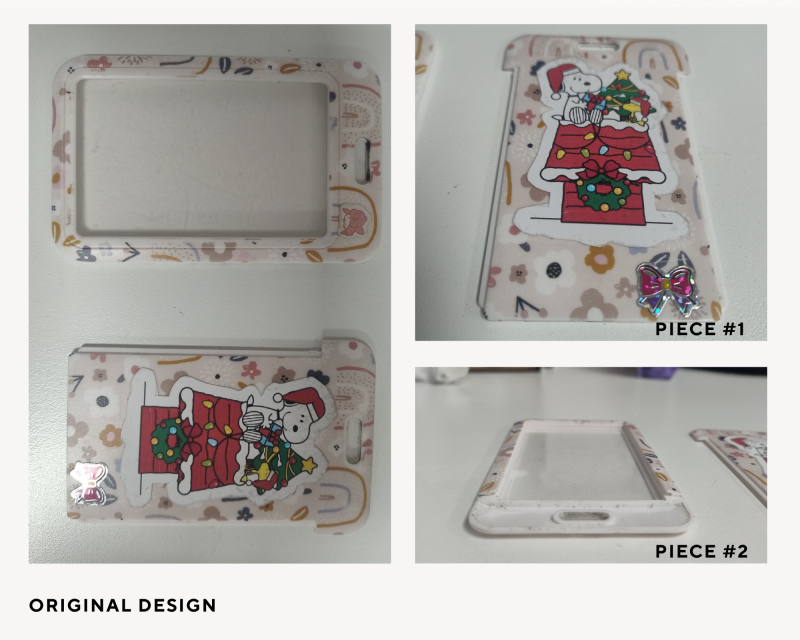
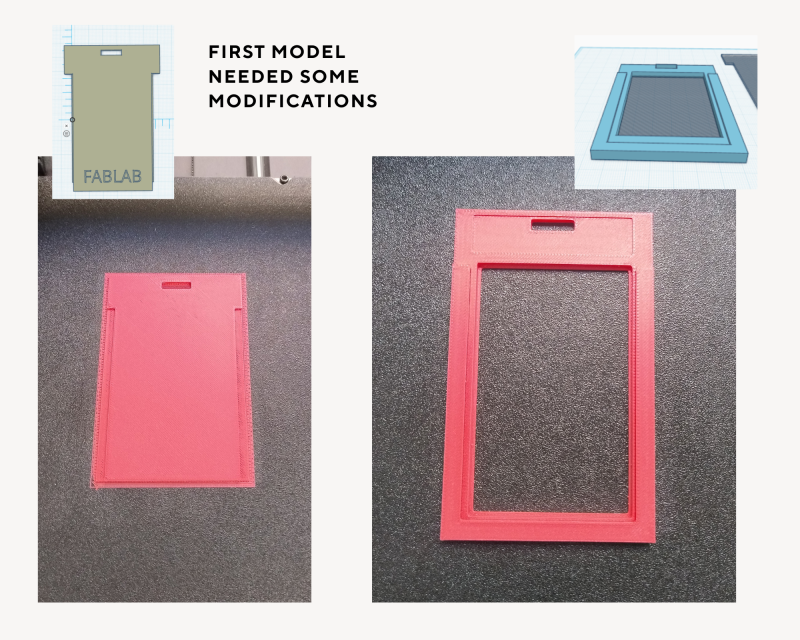
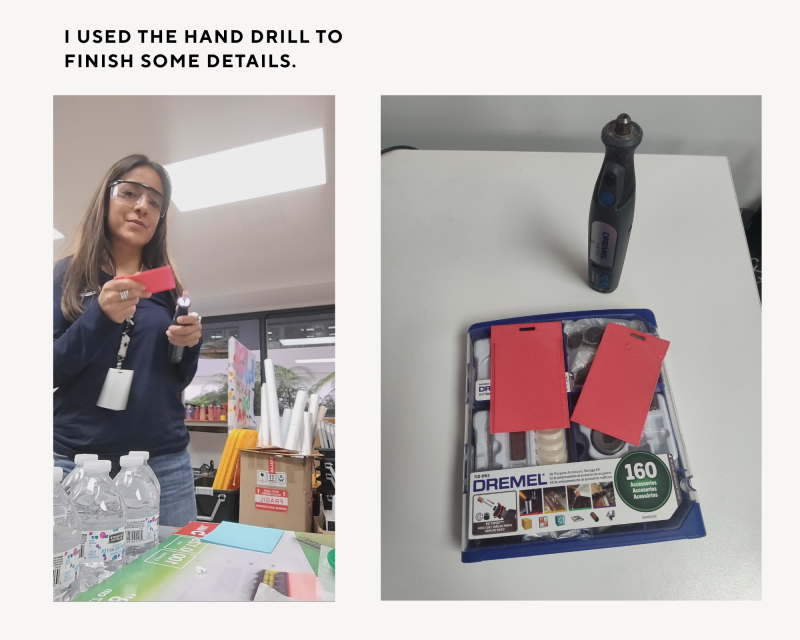
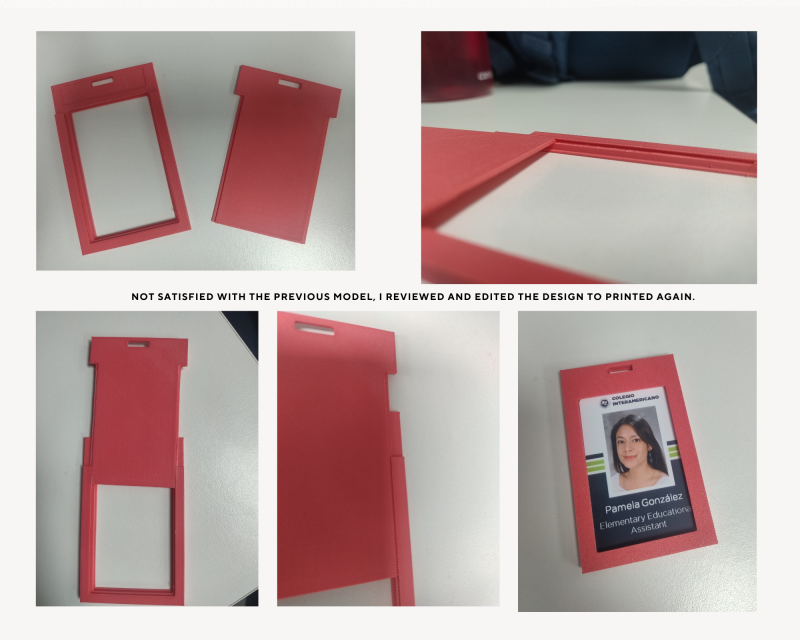
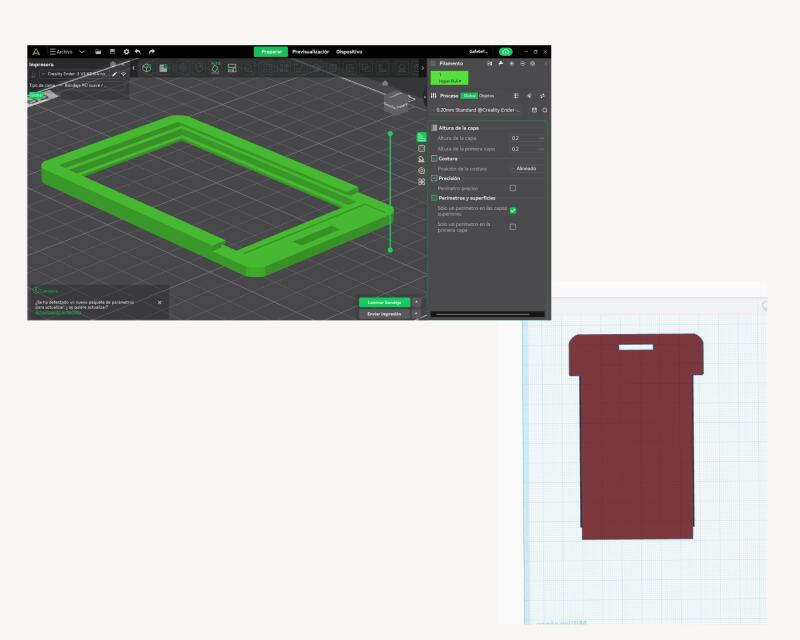
Challenges and solutions One of the greatest challenges for me was editing the piece number two, as it needed to include a space for the identification card as well as the area where piece number one fits perfectly without getting stuck. I conducted several tests to achieve this, until it was finally successful. I also engraved the name Fablab, giving it a personalized touch.
Reflection
- Key learnings Being persistent and allowing oneself to be guided and supported by an expert to resolve questions, rather than having the task completed by someone else.
- How it applies to your teaching / context Having a limited amount of time to submit a project and working with new software can often affect a student’s emotions. The greater the level of commitment, the greater the challenge of achieving the objective. Now, as an assistant at the FabLab, I can say that the words used to guide and provide support to students are crucial in helping them feel motivated to achieve their goals, regardless of time constraints, but rather by focusing on the opportunities and resources available.
For the uncoming school year…
As the new Elementary Maker Lab teacher, I plan to use 3D-printed objects to support teaching and learning across multiple subject areas. For example, students can design and print models, prototypes, or manipulatives that help them better understand concepts in science, mathematics, engineering, and design. A 3D-printing project can be aligned with curriculum standards by engaging students in the engineering design process, problem-solving, measurement, spatial reasoning, and computational thinking. Some challenges include time constraints, access to equipment, teacher training, and ensuring that projects are meaningfully connected to learning objectives rather than focusing solely on the technology. One successful educational experience I have had involved collaborating with other educators to design interdisciplinary, project-based learning activities that combined creativity, communication, and content knowledge. Working with colleagues brings many advantages, such as sharing expertise, generating new ideas, and providing students with richer learning experiences. However, collaboration also requires clear communication, careful planning, flexibility, and alignment of goals and expectations. When preparing a learning activity with two or more educators, it is important to establish common objectives, define responsibilities, coordinate timelines, and ensure that the activity supports both student learning outcomes and meaningful engagement.
Tools
- Thinkercad
- Creality Print 6.3
- An existing badge holder (to take messurements)
- Filament Salmon color
- 3D Printer
- USB memory