M4-W1
Physical computing. Content integration and multidisicplinarity
Assignments
Use of microbit to sense noise
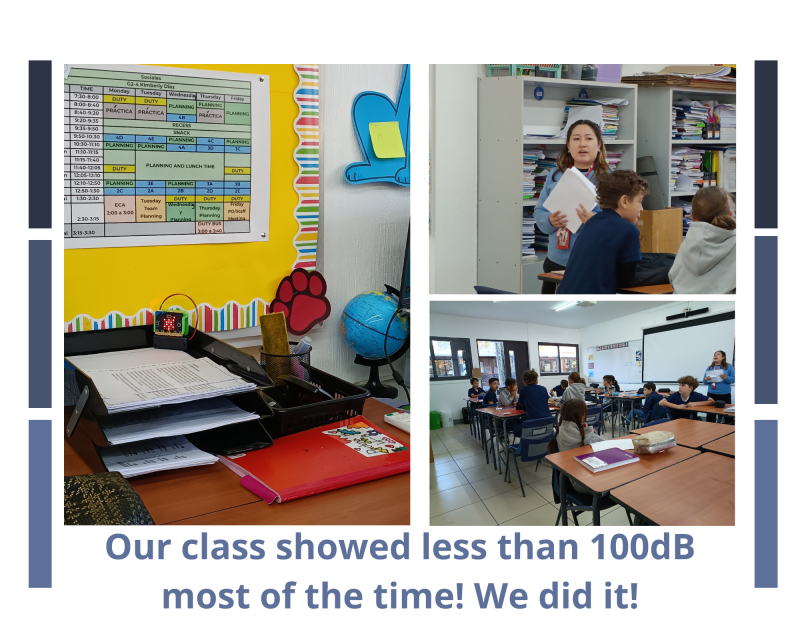
For this task, we collaborated with the third-grade social studies teacher. Given that her group tends to be noisy, we worked together to help students understand how sound is measured, what decibel levels are appropriate for the human ear, and to identify the different areas within the school where raising their voices is permitted and where it is not. She supported the initiative by allowing her class to participate in the experiment, while I, as the Fab Lab teacher, contributed to the technical and contextual aspects.
Learning Objectives:
- Understand sound measurement: Students will be able to explain how sound is measured and interpret basic decibel levels in everyday contexts.
- Recognize appropriate noise levels: Students will identify safe and appropriate sound levels for the human ear and distinguish between acceptable and harmful noise levels.
- Apply responsible behavior in shared spaces: Students will differentiate between school areas where raising their voice is appropriate and where quiet behavior is expected, demonstrating respectful use of shared environments.
Process
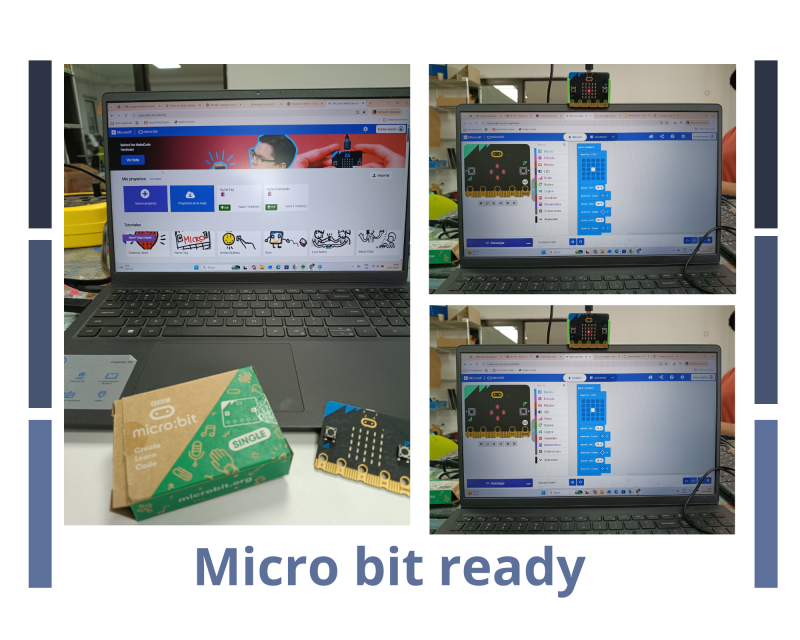
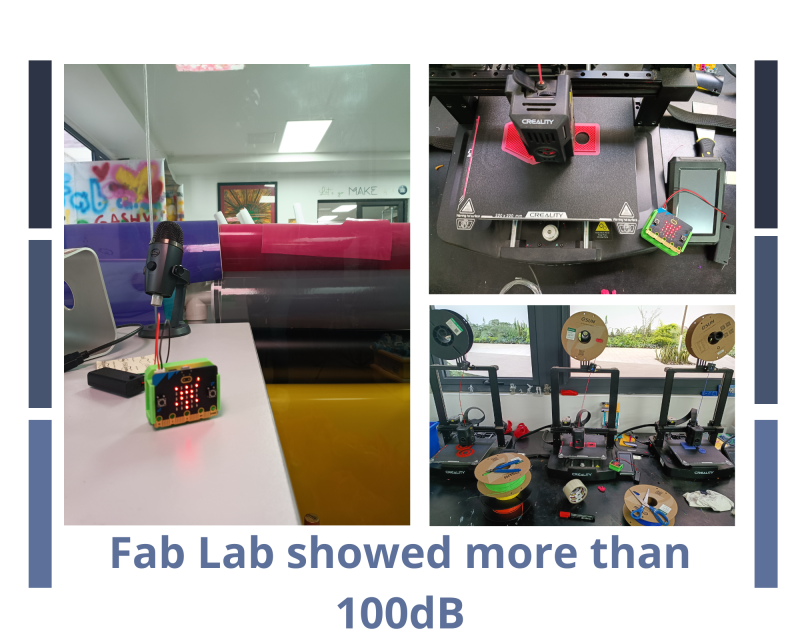
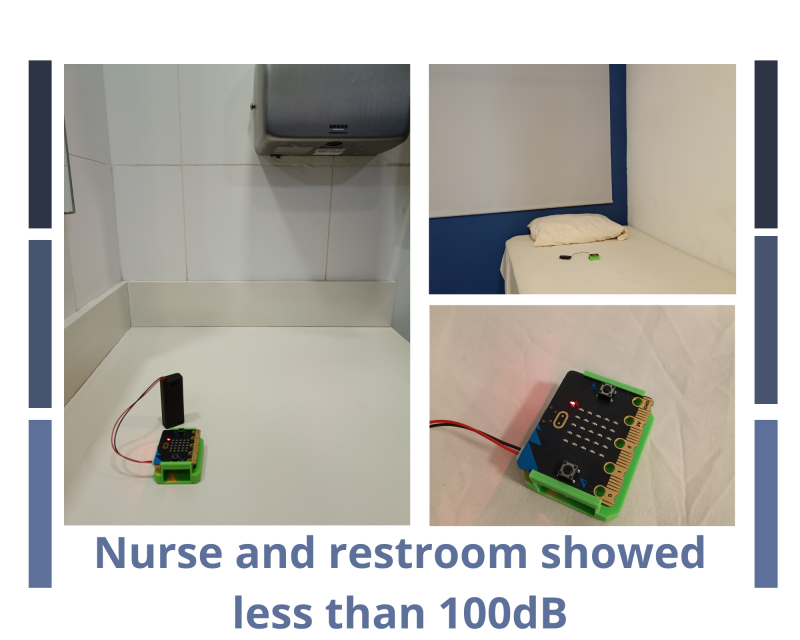
A presentation was shared with the students to introduce the micro:bit and the code we would be using. We also discussed the different voice levels we use in various settings and then focused on how our speaking volume should change depending on the area of the school we are in. Students reviewed several examples and then went out to test these concepts in different locations, as shown in the photos and presentation.
Upon returning to the classroom, students participated in a brief “share with three” activity to reflect on what they had learned. We also discussed the importance of using an appropriate voice level, especially when receiving instructions. Throughout the lesson, the micro:bit served as a helpful companion—if a light remained on for an extended period, students understood it was a signal to adjust and regulate their voice level.
Reflection
Did you bring several disciplines together in your own teaching? Yes, I regularly bring multiple disciplines together in my work at the Fabrication Laboratory. Projects often integrate technology, engineering, math, science, and art, allowing students to apply knowledge in a hands-on, creative way.
Do you collaborate with teachers in other disciplines? I collaborate closely with teachers from different subjects, helping adapt their learning goals into practical activities while providing technical support and ideas.
What are the opportunities and challenges? This creates strong opportunities for interdisciplinary learning, increasing student engagement and real-world understanding. However, challenges include coordinating across subjects, time limitations, and differing levels of comfort with technology.
How do you envision a makerspace in your school? I envision a makerspace as a flexible, creative environment where students can explore, design, and build across disciplines. It would be an open and inviting space with areas for digital fabrication, hands-on crafting, and collaborative work, equipped with tools like 3D printers, electronics, and basic materials.
How does it look like? It should feel student-centered, encouraging experimentation, problem-solving, and creativity, while also supporting teachers in connecting projects to their curriculum.
If you have one already, how would you modify it? Since I already work in a Fabrication Laboratory, I would continue strengthening collaboration with teachers and expand opportunities for more student-led projects. I would also focus on making the space even more accessible and adaptable to different age groups and skill levels, ensuring all students feel confident to create and explore.
Are you somehow using computational thinking in your teaching? Yes, I use computational thinking in my work, even if I’m not the main teacher. When students come to the laboratory, I support them in breaking down their projects into steps, identifying problems, and testing solutions—especially during building and prototyping.
Do you think you can take advantage of computational thinking? I believe computational thinking can be used even more intentionally by guiding students to plan their projects step by step, reflect on what works or doesn’t, and apply logical reasoning. This would strengthen their problem-solving skills and help them better connect theory from the classroom with hands-on practice in the lab.
Tools
- Microbit
- Batteries Holder
- USB connector
- Laptop
- 3D model to hold the microbit