Module 4 Week 2 - 23 Feb
Assignment
### NFC Lucky Draw
Inspiration 1
Use NFC Tags With iPhone To Create a Mathematical Treasure Hunt Game
Inspiration 2
3 Crazy Powerful NFC Tag Ideas
Instruction for the NFC Game
Objective
Test your luck! Use your “NFC Tag” (simulated by buttons) to see if you are a winner. This game demonstrates how hardware sensors (like NFC) trigger specific logic in code.
How to Play
Start: The micro:bit will scroll “TAP TO PLAY” on the screen.
Scan Your Tag: Press Button A: This simulates scanning a Winning Tag. Press Button B: This simulates scanning a Losing Tag.
The Spin: Watch the screen! A spinning diamond animation will appear while the micro:bit “reads” your ID.
The Result: If it’s a match, you’ll see “WINNER!” and hear a victory melody. If not, you’ll see “TRY AGAIN” and hear a low “thud” sound.
Reset: The game automatically resets to “TAP TO PLAY” after a short pause.
How the Code Works
The Variable (tagId): This is a placeholder that stores the unique ID of the tag being scanned.
The Simulation Switch (isSimulation): This allows me to test the game logic using buttons.
Functions (runGameLogic): Instead of writing the animation and sounds twice, it is put as a “Function.” for clearer code.
Code
Link to Code: https://makecode.microbit.org/S44426-81439-89401-50597
NFC Workshop Souvenir for Teachers
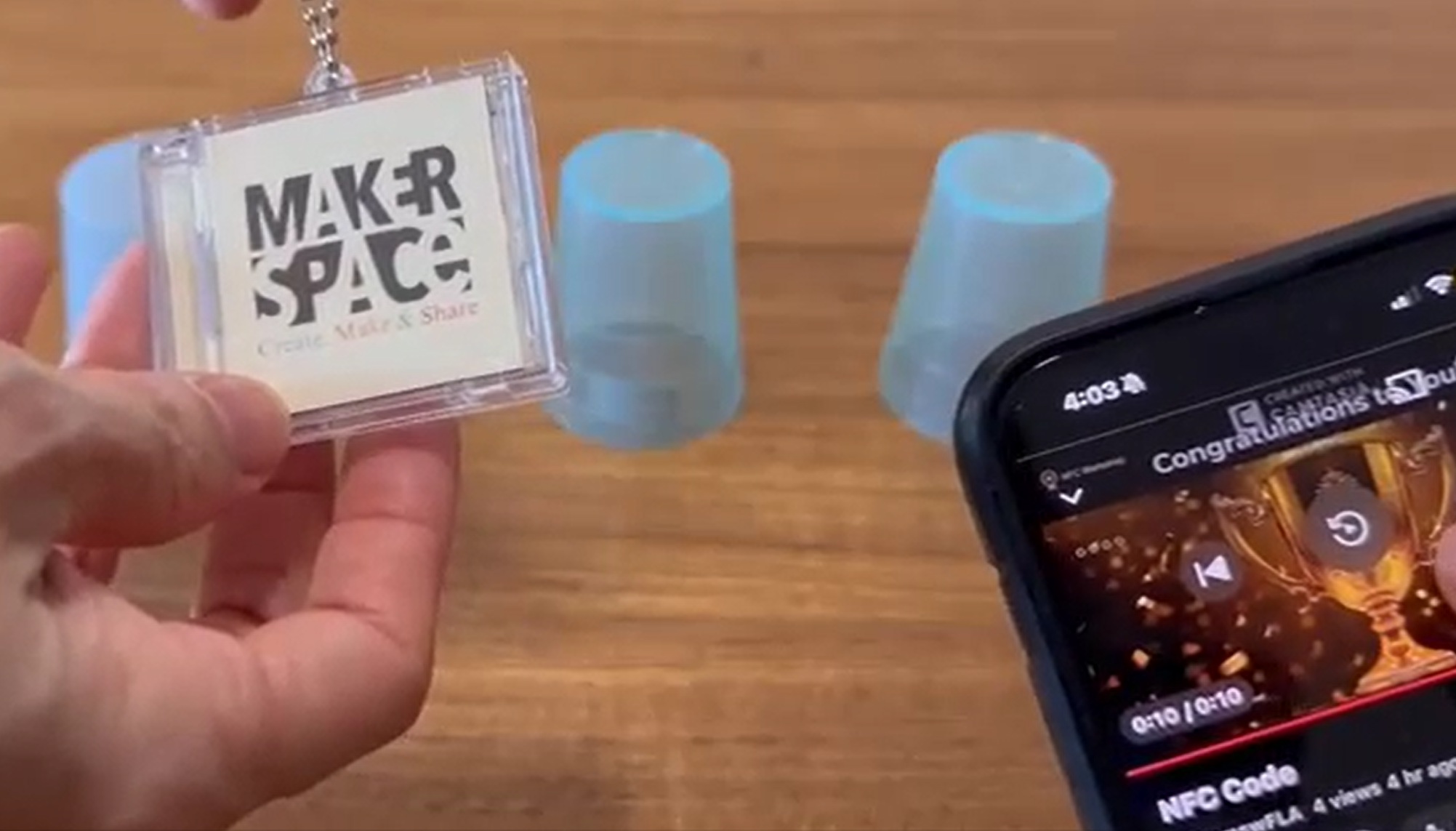
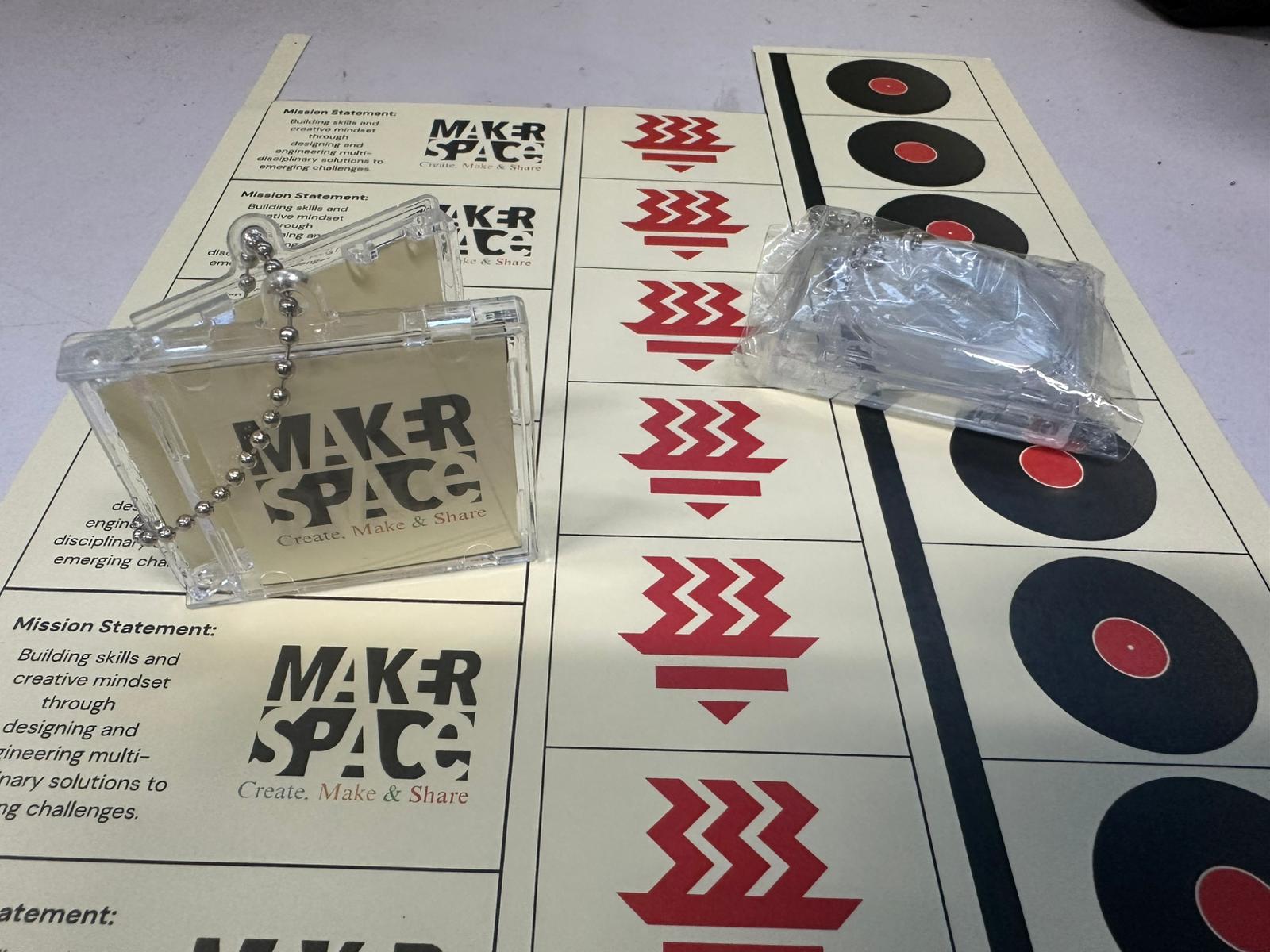
A NFC Lucky Draw - Video Demo
Reflection
Question 1:
What are some opportunities in your context to work within your local community? Who you could collaborate with? How? What should happen to succeed in the collaboration?
We conduct workshops for our school partners such as canteen vendors and teachers from other schools as well. We have workshops for our science lab staff and security too. We see the importance of partnership as well as collaboration. It is rooted in our school philosphy of win-win.
Question 2:
What are the next steps in development further a makerspace in your school? How do you envision the maker space?
Our school makerspace is shifting to a bigger venue. It will be in a lab in the Science Renaissance Centre. We will then be able to conduct workshops with more participants. Currently, our capacity is at 24 participants.
We are also starting to offer online badges to students through our school new platform - Nurture. Students are awarded credits in the relevant 21 centuries competencies and skills.
Question 3:
What is the potential of physical computing and IoT for your teaching? Do you have any ideas on how you are planning to integrate those techniques in your context?
There are computing teachers in my school that teaches students on IoT, web design, C++. Some students are also involved in projects that integrate IoT into to solve a problem identified for a target audience.
Makerspace collaborate with computing teachers to support them in their teaching and students in their learning where the codes comes alive in the various hardware used.
Platform
- Makecode
Tools
- Microbits
- NFC reader