Week 9
Assignments
- [ ] Task 1: [Development board to sense something in class]
Process
- The task for this week sounded very simple but as I started trying it out, I noticed that it’s because of the complexity in the development. First I decided to use a Microbit because it looked a little less intimidating than Arduino. Thanks to my local instructor and the assistants from the fablab I learned that the MicroBit has different sensors that I could use and that were relatively easy to use. Knowing that it has a sound sensor I thought it would be a nice activity to create a Noise monitor for the class. If students are involved in the creation and deveolpment of the classrules it’s easier to avoid disruptions.
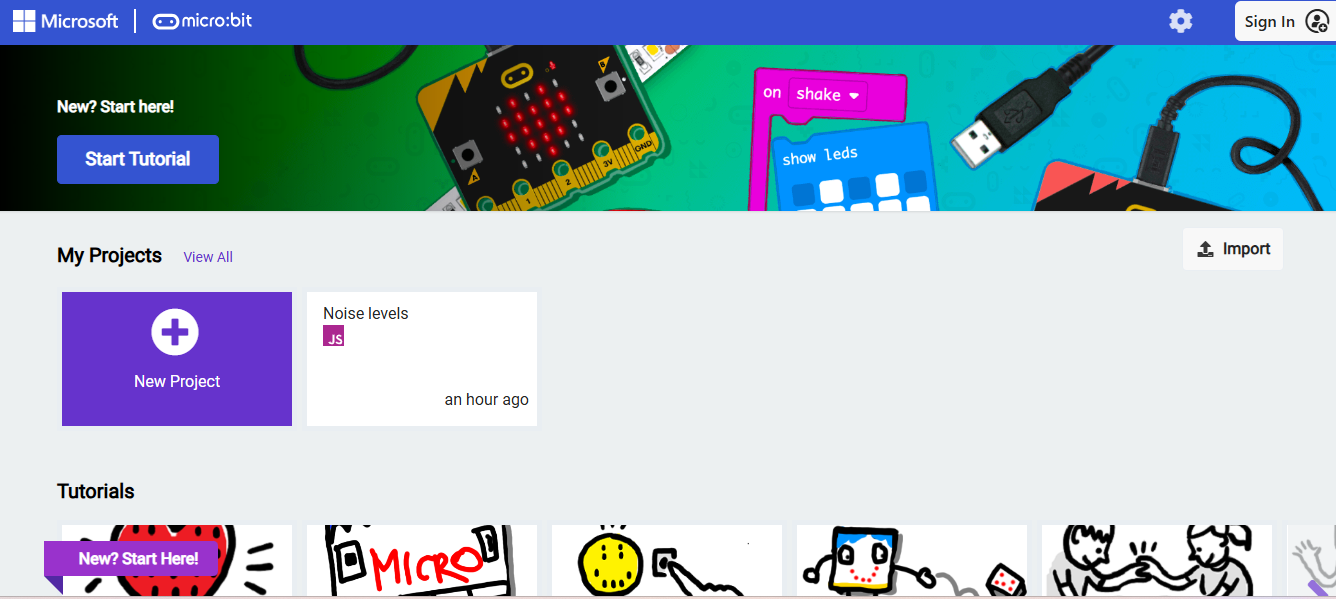
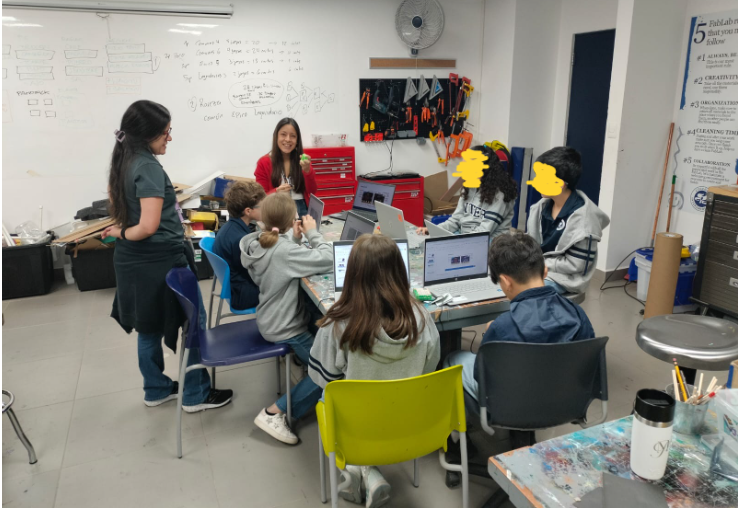
- I selected a Microbit and started exploring their website. It has different tutorials and other projects to be used. After practicing with it for a couple of times, I had the opportunity to use it with a group of students. Since it was the first time that we used it, I believe the opposite effect happened, they were so excited about seeing the face on the Microbit that they would make random noises to activate it. But they had a lot of fun.
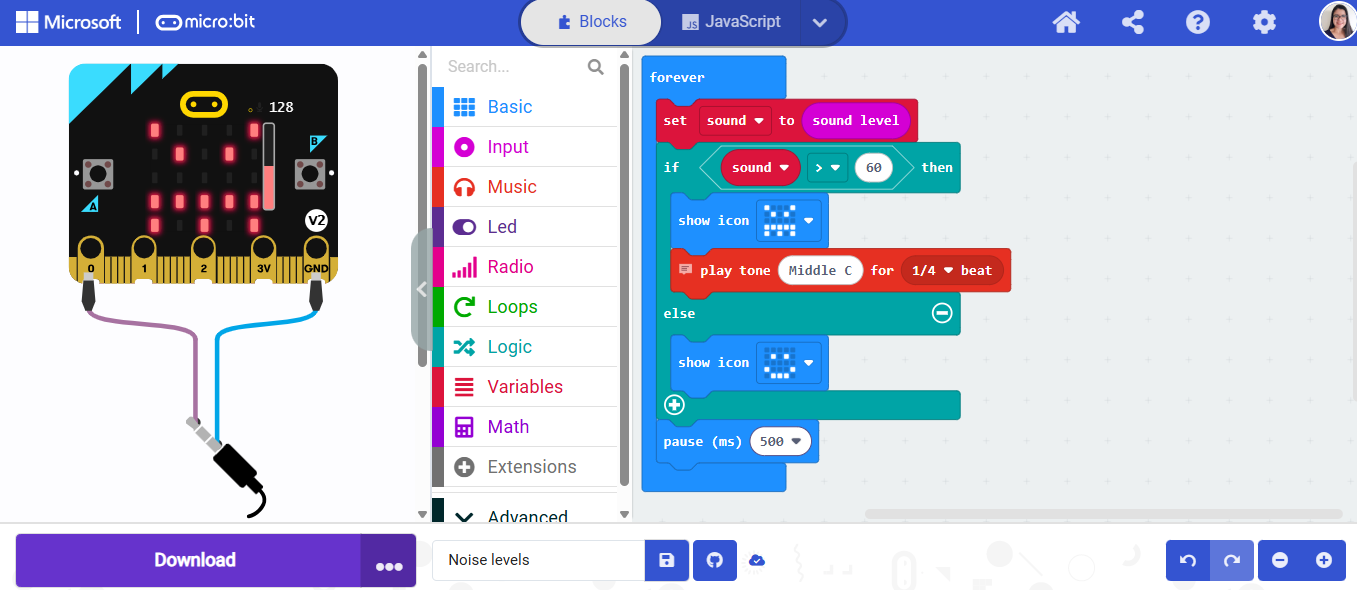
The Java version of the code used for this project is this:
basic.forever(function () { let sound = input.soundLevel()
if (sound > 60) {
    basic.showIcon(IconNames.Angry)
    music.playTone(262, music.beat(BeatFraction.Quarter)) // optional buzzer
} else {
    basic.showIcon(IconNames.Happy)
}

basic.pause(500)
})
Explained with blocks is this: Loop forever Read sound level IF sound > 60 → Show angry face → Play sound ELSE → Show happy face
Reflection
- Did you bring several disciplines together in your own teaching? Do you collaborate with teachers in other disciplines? What are the opportunities and challenges. In this case, I didn’t bring several disciplines together in my own teaching. I usually try to integrate other disciplines so that students can see the importance of what they are learning, and how technology can always help them in the real world. Althought I integrate the subjects, I don’t usually work with other teachers for the lack of time to organize and plan together.But I am aware of the great opportunities that can come from planning with other teachers. The topics and purpose of the projects created are a lot more meaningful if students can work on them in different subjects, the time and learning that they can reach is a lot bigger when more people work together.
How do you envision a makerspace in your school? How does it look like? If you have one already, how would you modify it. In my school there is a big makerspace which was created in the High School building. Due to its location, most people saw it as a space only for Hight School students. It usually has High School classes so it gets difficult to have small kids in that area too. If I could I would modify it by creating one just like it but specially for Elementary and Early Childhood Education students. If each level of students has their own space with objects that are age appropriate, it would be easier for them to get used to the idea of a makerspace and explore in a more confident and free way.
After the definiton of computational thinking? Are you somehow using computational thinking in your teaching? How? Do you think you can take advantage of computational thinking? How? As a technology teacher, computational thinking is a big part of my teaching days. I believe that every subject has or can have if organized in the right way. Students can see the pattern of solving an adition, or the process of writing a paragraph. We usually tend to teach students what structure and in what order they need to do different activities, and that is our computational thinking. When students get to my class and I explain how an algorithm can be something as simple as wraping a present, they are suprised and feel a lot more confident in creating new things while coding.
Tools
- Tools or software used
- https://makecode.microbit.org/#editor
- References or tutorials followed MicroBit tutorial: Clap Lights